







What Is MineDash?
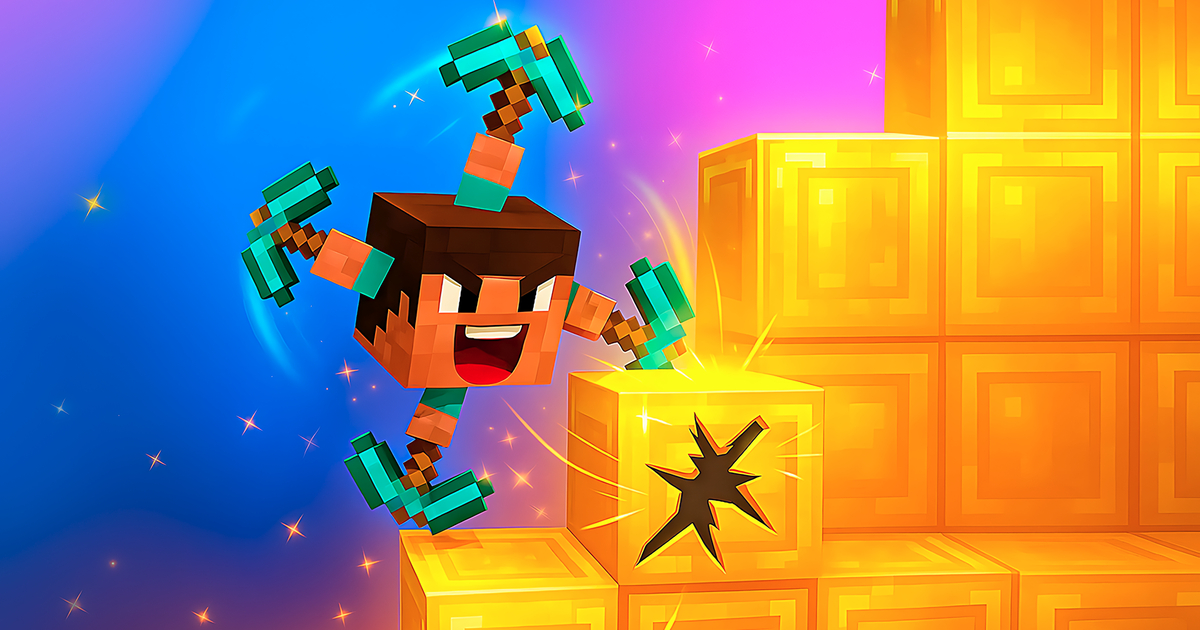
MineDash is a peaceful browser sandbox built on a wonderfully simple promise: hand you 32 iconic voxel blocks and let your imagination do the rest. There are no quests to complete, no mobs stalking you after sundown, and no hunger bar draining in the corner of the screen. You spawn into a nostalgic, chunky voxel world, carve away the terrain you do not want, and stack blocks into whatever your mind sketches — a cozy wooden cottage, a spiraling watchtower, a hidden underground base, or an entire village rising out of an empty plain.
Because everything runs in the browser, there is nothing to install and no account to create. One click and you are placing blocks within seconds. If you have been curious about the classic block-mining formula but do not want the weight of a full Minecraft download, MineDash delivers that familiar dig-and-place loop in a lighter, calmer package — a pocket sandbox you can open for five minutes or five hours.
Key Features
- 32 iconic block types — grass, stone, wood, glass, and more, each with a distinct texture so your builds get real contrast and depth.
- Dig and place in every direction — strip terrain block by block, tunnel downward, or build towers into the sky; the world is a three-dimensional canvas.
- Peaceful, goal-free play — no enemies, no timers, no fail states. The only objective is the one you set for yourself.
- Instant browser access — zero installation, zero sign-up, and it runs comfortably on modest hardware.
- Nostalgic voxel style — chunky retro visuals that feel instantly familiar to any sandbox fan.
How to Play MineDash
- Break blocks — aim at a block and click or hold to mine it away, carving out space for your creation.
- Place blocks — pick a material from your hotbar and set it down exactly where you want it, one satisfying click at a time.
- Shape the terrain first — flatten hills, dig foundations, or excavate a basement before building upward; a level base makes everything easier.
- Mix your materials — wooden frames, stone walls, and glass windows combined together make a structure feel finished instead of flat.
- Keep iterating — there is no finish line. Knock a wall down and rebuild it whenever inspiration strikes; that is the whole point.
Building Tips for MineDash
- Start with a flat foundation — clearing and leveling the ground first keeps every later wall easy to align.
- Use contrast deliberately — alternating darker and lighter blocks helps edges and corners read clearly from a distance.
- Detail in patterns — repeating a motif every three blocks (pillars, window strips, roof steps) gives even small builds a satisfying rhythm.
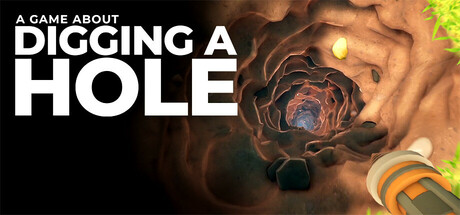
- Go underground for space — some of the best bases begin as a dug-out pit. For inspiration on making excavation an art form, see how A Game About Digging A Hole turns a simple hole into an adventure.
Frequently Asked Questions (FAQ)
Is MineDash the same as Minecraft?
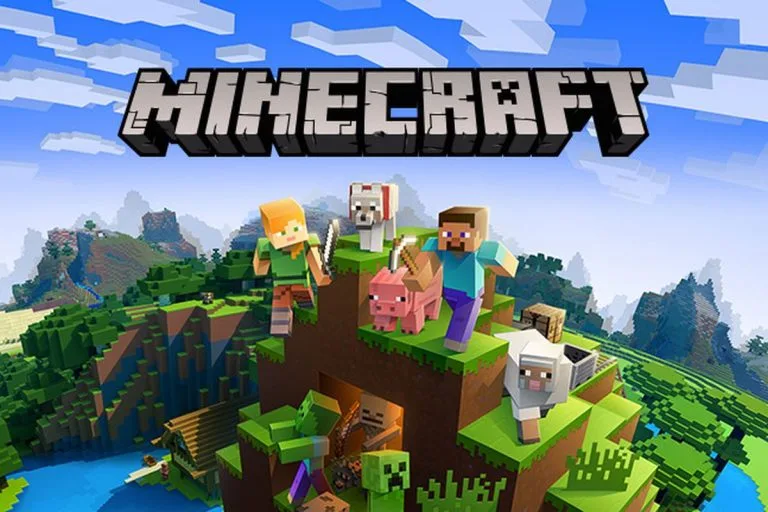
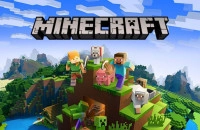
No — MineDash is a lightweight, browser-based tribute focused purely on peaceful building with 32 block types. If you want the full survival-and-crafting experience in your browser too, try Paper Minecraft right here on our site.
Do I need to download or install anything?
No. MineDash runs entirely in your browser. Open the page and start placing blocks immediately — it works fine on most laptops and desktops without any special hardware.
Are there monsters or survival elements in MineDash?
There is nothing to fight and nothing to survive. MineDash is deliberately peaceful: mining, placing, and designing are the entire experience, which makes it perfect for relaxed creative sessions.
Looking for more blocky fun? Our Sandbox Games collection has plenty more worlds waiting to be shaped, one block at a time.